Aravals
Download Manager
The fastest, smartest way to download files and videos. Features multi-part downloading, seamless Chrome extension integration, and a built-in YouTube video fetcher.
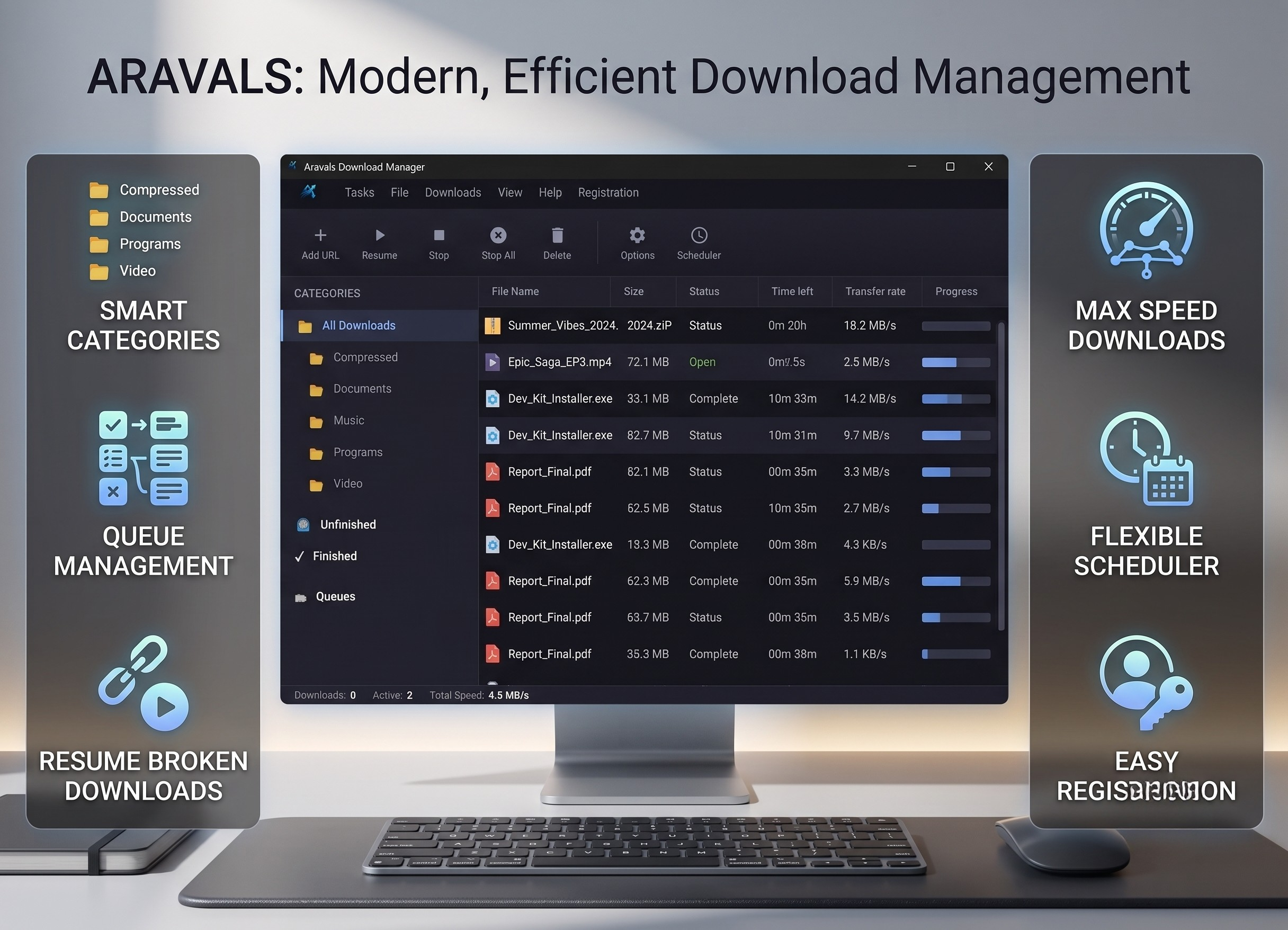
Download Faster,
Manage Better
Accelerates your downloads by splitting files into multiple parts and downloading them simultaneously. Maximizes your internet connection speed.
Our Chrome extension automatically intercepts all browser downloads and sends them straight to Aravals Download Manager for maximum speed.
Paste any YouTube URL directly into the app to fetch all available video and audio qualities. Download exactly what you need with one click.
Pause, resume, and organize your downloads. Queue large files for later, or schedule them to start downloading when you're away from the computer.
How to Install the Browser Extension
Aravals Download Manager seamlessly intercepts your browser downloads to boost their speed. The extension is currently pending review on the Chrome Web Store, but you can easily load it locally right now!
- Open your ADM desktop app, click on the top-right menu and select "Extension Folder" to view the extension files.
- In your Chrome or Edge browser, navigate to chrome://extensions.
- Toggle "Developer mode" ON in the top right corner.
- Click "Load unpacked" and select the extension folder you opened in Step 1.
- You're all set! Every file you download will now automatically open in ADM.
Note: Once approved, the extension will be officially available on the Chrome Web Store for one-click installation!